
Article Schema, FAQ JSON-LD and Open Graph for a Markdown Blog in Next.js 15
Four metadata bugs I fixed in my App Router blog, and the curl check that proves the fix
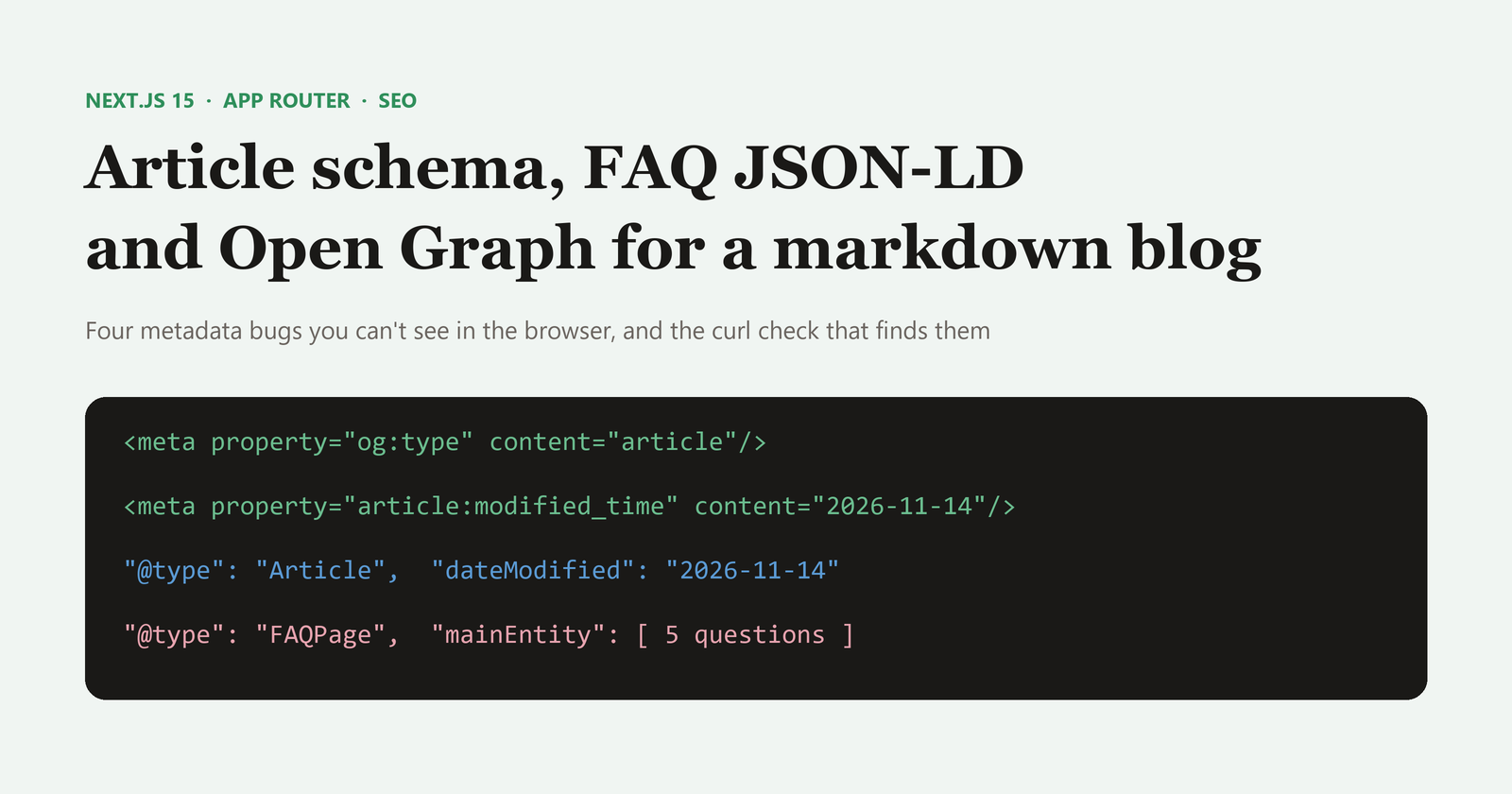
My finance site runs its blog on the simplest stack I could find: markdown files in content/blog, gray-matter for frontmatter, and react-markdown to render. I wrote about the calculator side of the app in an earlier post. This one is about the metadata around each article, because I found four problems in it this week and every one of them was invisible in the browser.
The setup
Each post is a markdown file with frontmatter like this:
---
title: "Is Gratuity Divided by 26 or 30? The 15/26 Formula Explained"
date: "2026-11-14"
lastUpdated: "2026-11-14"
description: "Gratuity is divided by 26 for most employees, not 30..."
tags: ["Gratuity", "Salary & CTC", "New Labour Codes", "Income Tax India"]
coverImage: "/images/blog/gratuity-15-26-formula/gratuity-26-or-30-cover.webp"
coverImageAlt: "Title graphic asking whether gratuity is divided by 26 or 30..."
ogImage: "https://monumoney.in/images/blog/gratuity-15-26-formula/gratuity-26-or-30-cover.jpg"
author: "Monu"
---
app/blog/[slug]/page.tsx reads it twice: once in generateMetadata for the <head> tags, and once in the page component to print JSON-LD.
Bug 1: Open Graph said "article" but nothing else
The original generateMetadata returned a title, description, type: 'article' and a published date. That's enough for a basic link preview. But an article without a modified date, section, tags or site name gives crawlers less to work with than the frontmatter already had.
The fix is to map every frontmatter field you already store:
export async function generateMetadata({ params }: { params: Promise<{ slug: string }> }): Promise<Metadata> {
  const { slug } = await params;
  const post = getPostBySlug(slug);
  if (!post) return { title: 'Post Not Found' };

  const socialImage = post.ogImage || post.coverImage;

  return {
    title: post.title,
    description: post.description,
    keywords: post.tags,
    authors: [{ name: post.author, url: 'https://monumoney.in/about' }],
    openGraph: {
      title: post.title,
      description: post.description,
      url: post.canonicalUrl || `/blog/${post.slug}`,
      siteName: 'MonuMoney.in',
      locale: 'en_IN',
      type: 'article',
      publishedTime: post.date,
      modifiedTime: post.lastUpdated || post.date,
      authors: ['https://monumoney.in/about'],
      section: post.tags?.[0],
      tags: post.tags,
      images: socialImage
        ? [{ url: socialImage, width: 1200, height: 630, alt: post.coverImageAlt || post.title }]
        : undefined,
    },
    twitter: {
      card: 'summary_large_image',
      site: '@monu_money',
      creator: '@monu_money',
      title: post.title,
      description: post.description,
      images: socialImage ? [socialImage] : undefined,
    },
    alternates: { canonical: post.canonicalUrl || `/blog/${post.slug}` },
  };
}
When openGraph.type is 'article', Next.js turns publishedTime, modifiedTime, authors, section and tags into the matching article:* meta tags. Each tag in the array becomes its own article:tag element.
Bug 2: a relative image URL inside JSON-LD
The root layout sets metadataBase: new URL('https://monumoney.in'), so Next.js turns relative URLs in generateMetadata into absolute ones. That safety net does not apply to JSON-LD you build yourself. My Article schema was doing this:
image: [post.ogImage || post.coverImage]
My older posts used absolute Cloudinary URLs, so this never surfaced. The first post with a local cover image and no ogImage would have printed "/images/blog/..." into the structured data, and Schema.org expects a full URL there. The fix is one URL constructor:
const articleSchema = {
  '@context': 'https://schema.org',
  '@type': 'Article',
  headline: post.title,
  description: post.description,
  datePublished: post.date,
  dateModified: post.lastUpdated || post.date,
  mainEntityOfPage: { '@type': 'WebPage', '@id': `https://monumoney.in/blog/${post.slug}` },
  inLanguage: 'en-IN',
  keywords: post.tags.join(', '),
  ...((post.ogImage || post.coverImage)
    ? { image: [new URL(post.ogImage || post.coverImage || '', 'https://monumoney.in').toString()] }
    : {}),
  author: { '@type': 'Person', name: post.author, url: 'https://monumoney.in/about' },
};
new URL(relative, base) leaves absolute URLs untouched and resolves relative ones, so it works for both kinds of frontmatter.
I also added dateModified. Without it, a post I update every few months looks as old as its publish date to anything reading the schema.
Bug 3: the FAQ regex stopped at the wrong heading
The page builds FAQPage JSON-LD by finding the FAQ section in the markdown and pulling out <details> blocks:
const faqMatch = post.content.match(/##\s*(?:FAQ|Frequently Asked Questions)[\s\S]*?(?=##|$)/i);
const qnaRegex = /<details>\s*<summary>(.*?)<\/summary>\s*([\s\S]*?)<\/details>/gi;
Two things about that first regex are easy to miss:
- The lookahead
(?=##|$)also matches the first two characters of###. Put an H3 inside your FAQ section and the match ends there, silently dropping every question below it. - Without the
mflag,$means end of the whole string, not end of line. That's what you want here, but it means the FAQ section must either be last or be followed by another##heading.
I didn't change the regex. I wrote the rule into my content guidelines instead: FAQ answers go in <details><summary> with no subheadings, and a ## Sources heading always follows. It's cheaper than a markdown parser for one section.
The summary and answer need to be plain text too. If you write markdown inside <details>, the schema gets raw asterisks and brackets in the answer text.
Bug 4: WebP for the page, JPG for the preview
My cover images are WebP because they're smaller on the page. The ogImage is a separate JPG export of the same 1200×630 graphic, because WebP support in link previews has been inconsistent across messaging apps and social networks. It costs one extra file per post.
Proving it works with curl
None of this shows up visually, so I check the rendered HTML from the dev server directly:
curl -s http://localhost:3000/blog/gratuity-divided-by-26-or-30 -o post.html

# every Open Graph, Twitter and article tag
grep -oE '<meta (property|name)="(og:[a-z:_]+|twitter:[a-z]+|article:[a-z_]+)"[^>]*>' post.html

# which schema types made it into JSON-LD
grep -oE '"@type":"(Article|BreadcrumbList|FAQPage|Question)"' post.html | sort | uniq -c
On the post above, the second command returns one Article, one BreadcrumbList, one FAQPage and five Question entries, which matches the five <details> blocks in the markdown. You can view the source of the live article to see the final output.
A note on FAQ rich results
Google cut back FAQ rich results in August 2023 and now shows them mainly for well-known government and health sites. So FAQPage markup on a personal blog probably won't produce the expandable questions in search results. I keep it anyway: it costs nothing once the regex is in place, it describes the page accurately, and other tools that read structured data can still use it. Just don't add FAQ schema expecting a visual boost in Google.
Checklist
If your Next.js blog reads frontmatter, check these:
openGraph.type: 'article'withmodifiedTime,sectionandtagsfilled in- Absolute image URLs in any JSON-LD you build by hand
dateModifiedin the Article schema, driven by alastUpdatedfield- No
###headings inside a regex-parsed FAQ section - A JPG
og:imagealongside WebP page images - A curl and grep check before you deploy
Most of these took one or two lines each. Finding them took longer than fixing them, which is why the curl check is the part I'd keep.
About the author
- Hi, I’m Monu from Panipat, Haryana. I used my coding and digital marketing skills to clear my debt at 22 and build multiple income streams. I share my exact blueprints for running tech-driven side hustles, swing trading, and building wealth without the fake guru fluff.
Comments
Join the discussionNo comments yet. Be the first to comment.

